
No prompt-only guessing
Your photo sets the subject, framing and colours. You only describe the motion, which is the part a written prompt cannot control.
Photo to video
Upload the photo you already have and describe how it should move. The model keeps your composition and adds the camera movement you ask for.
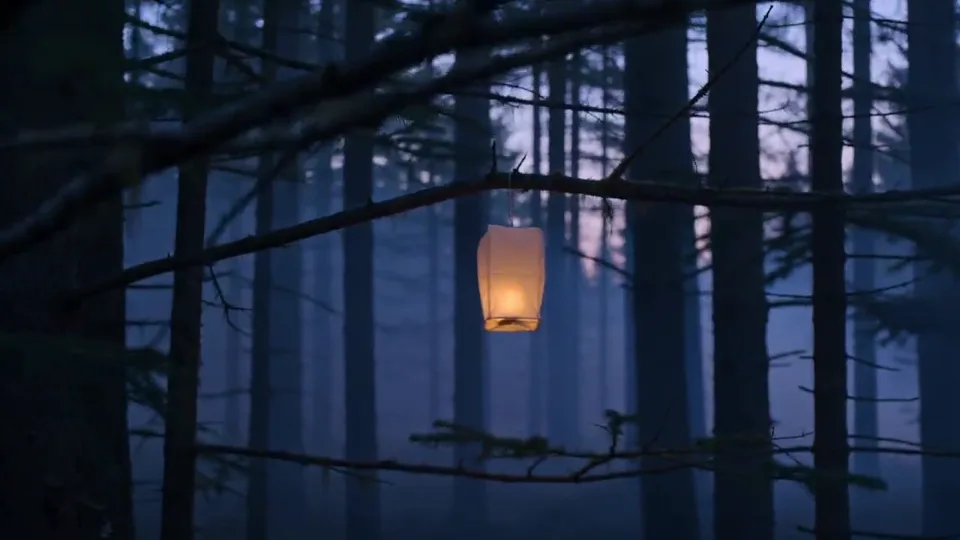
Concept imagery for inspiration. Generation results vary.
Your photo sets the subject, framing and colours. You only describe the motion, which is the part a written prompt cannot control.
The photo is stored under your account and served back only to you, through an authenticated endpoint. There is no public URL.
A failed render returns the credits to your balance automatically and records a safe error code on the job.
PNG or JPEG, up to 10 MB and 8192 px per side. The file is checked for a real image header before it is stored.
Keep it to camera motion and atmosphere, for example "slow push toward the subject, warm light drifting".
The finished 5-second 9:16 MP4 appears in your history, ready to play or open in a new tab.
It keeps the composition and colour of your image, then adds motion. Small details can shift during the movement, so check the result before publishing.
Not yet. Only the 9:16 variant has passed a real generation test, so that is the only one published.
Clear, well-lit images with a single subject. Very busy scenes or heavy text tend to distort when the camera moves.
The entry model costs 2 credits for a 5-second clip. Other models show their exact price before generation. Credits are charged when the job starts and refunded automatically if it fails.