
Start from an image you already have
Product shots, illustrations, generated stills: upload a PNG or JPEG up to 10 MB and animate it instead of describing it from scratch.
Image to video
Upload a still image and describe how it should move. The model keeps the composition of your picture and adds camera movement you describe.
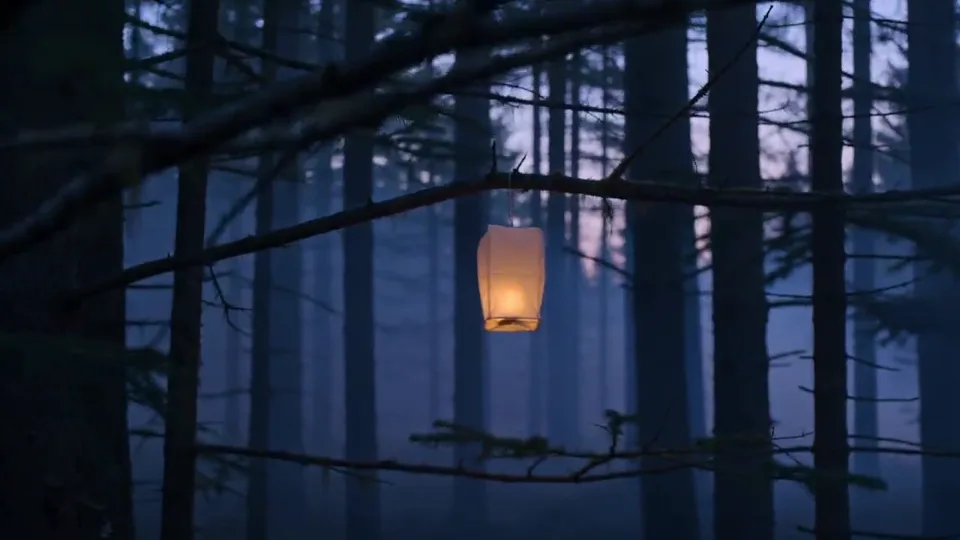
Concept imagery for inspiration. Generation results vary.
Product shots, illustrations, generated stills: upload a PNG or JPEG up to 10 MB and animate it instead of describing it from scratch.
Uploads are stored under your account and served back only to you. Nothing is published, and no public URL is generated.
If the render fails, the credits return to your balance automatically and the job records a safe error code.
PNG or JPEG, up to 10 MB and 8192 px per side. The file is validated before it is stored.
Say where the camera goes and what should move, for example "slow push toward the horizon, warm light drifting".
The finished 5-second 9:16 MP4 appears in your history and can be played or opened in a new tab.
PNG and JPEG. Files are checked for a real image header, dimensions and size before they are accepted.
Not yet. Only the 9:16 variant is published because it is the one that passed a real generation test. Widescreen image-to-video will be added after verification.
Only your account. Assets are stored under a per-user key and served through an authenticated endpoint; there is no public URL.
The entry model costs 2 credits for a 5-second clip. Other models show their exact price before generation; failed jobs are refunded.